Hours Tracker for Multiple Jobs
Log work hours across every job from your iPhone. Salarybook tracks your hours, breaks, and overtime automatically — then turns them into timesheets you can export or email.

Free · iOS · works offline
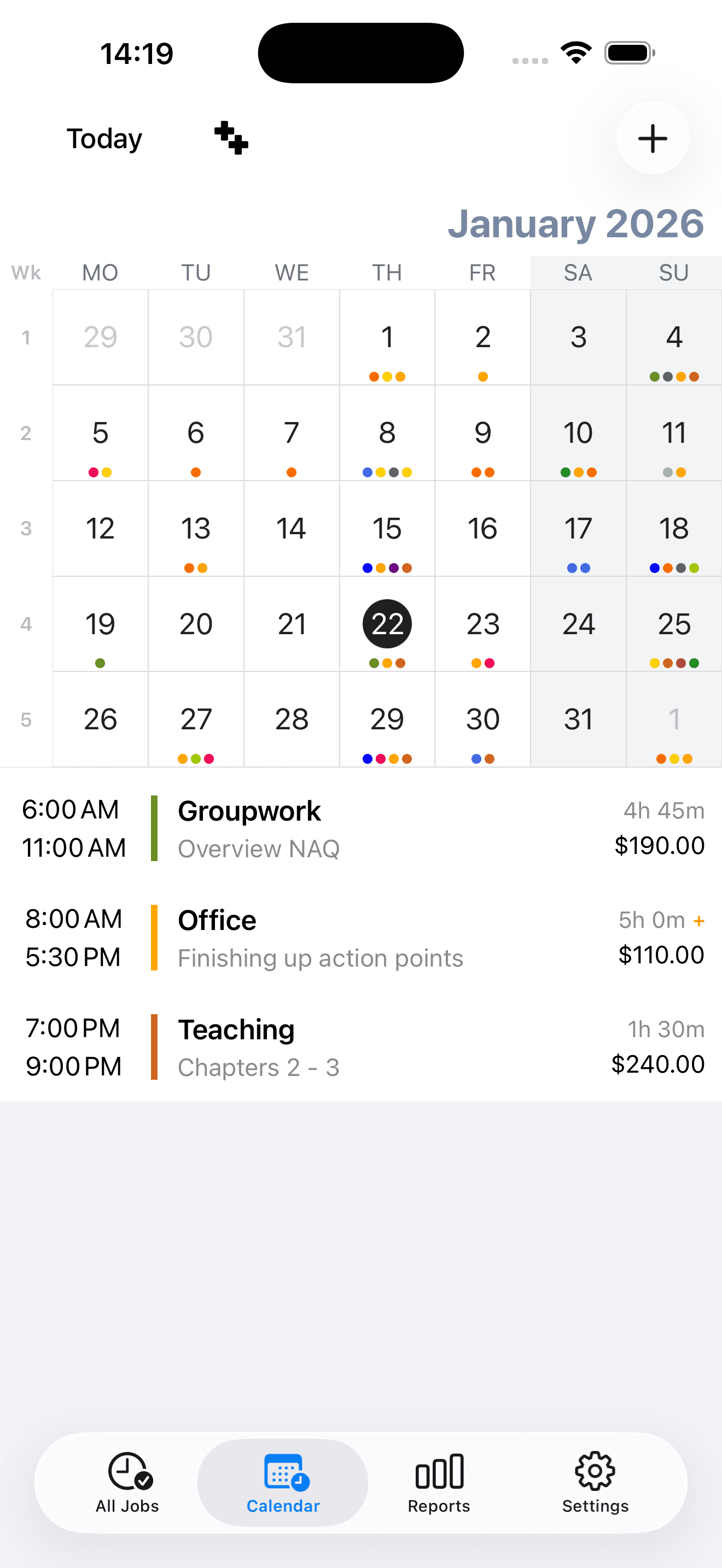
Everything a work hours tracker should do
Salarybook keeps logging your hours fast and accurate, whether you work one job or juggle several.
- 01
Track hours for multiple jobs
Add unlimited jobs, each with its own pay rate and schedule, and log hours separately for every one.
- 02
Automatic breaks & overtime
Set break rules and overtime thresholds once. Salarybook calculates overtime hours daily or weekly as you log time.
- 03
Quick or manual entry
Clock in and out, or add a time entry by hand. Edit or adjust any entry later from the calendar.
- 04
Works offline
Track hours anywhere, even with no connection. Back up to Dropbox so you never lose a record.
- 05
Reminders & widgets
Home-screen widgets and smart notifications nudge you to log your hours before each shift.
- 06
Export & email timesheets
Export detailed hours to CSV, or email a tidy overview of worked hours to clients or your employer.
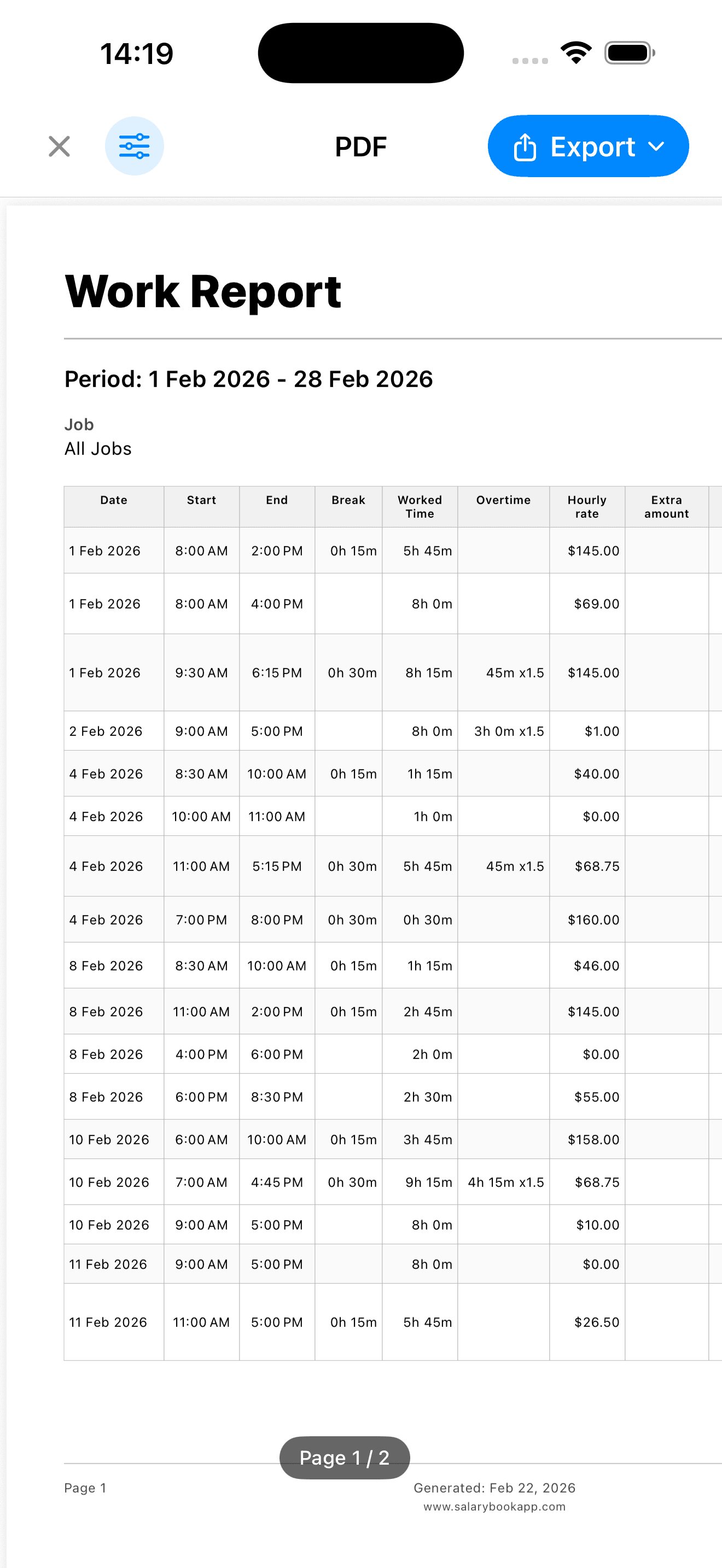
See your tracked hours at a glance
Open the dashboard for a clear view of hours worked today, this week, or this month, with charts and per-job breakdowns you can export in seconds.
Frequently asked questions
How do I track hours for more than one job?
Add as many jobs as you like, each with its own pay rate, schedule, and overtime rules. Pick a job, log your hours, and Salarybook keeps the totals separate for every one.
Can the app track overtime hours automatically?
Yes. Set an overtime threshold and period (daily or weekly) per job, and Salarybook flags overtime hours automatically as you log time — no manual maths.
Does the hours tracker work offline?
Completely. Track your hours anywhere, with or without a connection, and back up your data to Dropbox for safekeeping.
Can I export or email my tracked hours?
Yes. Export detailed hours to CSV for invoicing or payroll, or email a clean overview of worked hours straight from the app to a client or employer.
Start tracking your hours free
Download Salarybook and log your first shift in under a minute.