Hours Tracker & Pay Tracker for Multiple Jobs
Salarybook is the iPhone hours tracker, pay tracker, and earnings tracker for hourly workers, freelancers, contractors, and gig & shift workers. Set your rate and it works like a built-in paycheck calculator — across multiple jobs and currencies.


One app: hours tracker, pay tracker & paycheck calculator
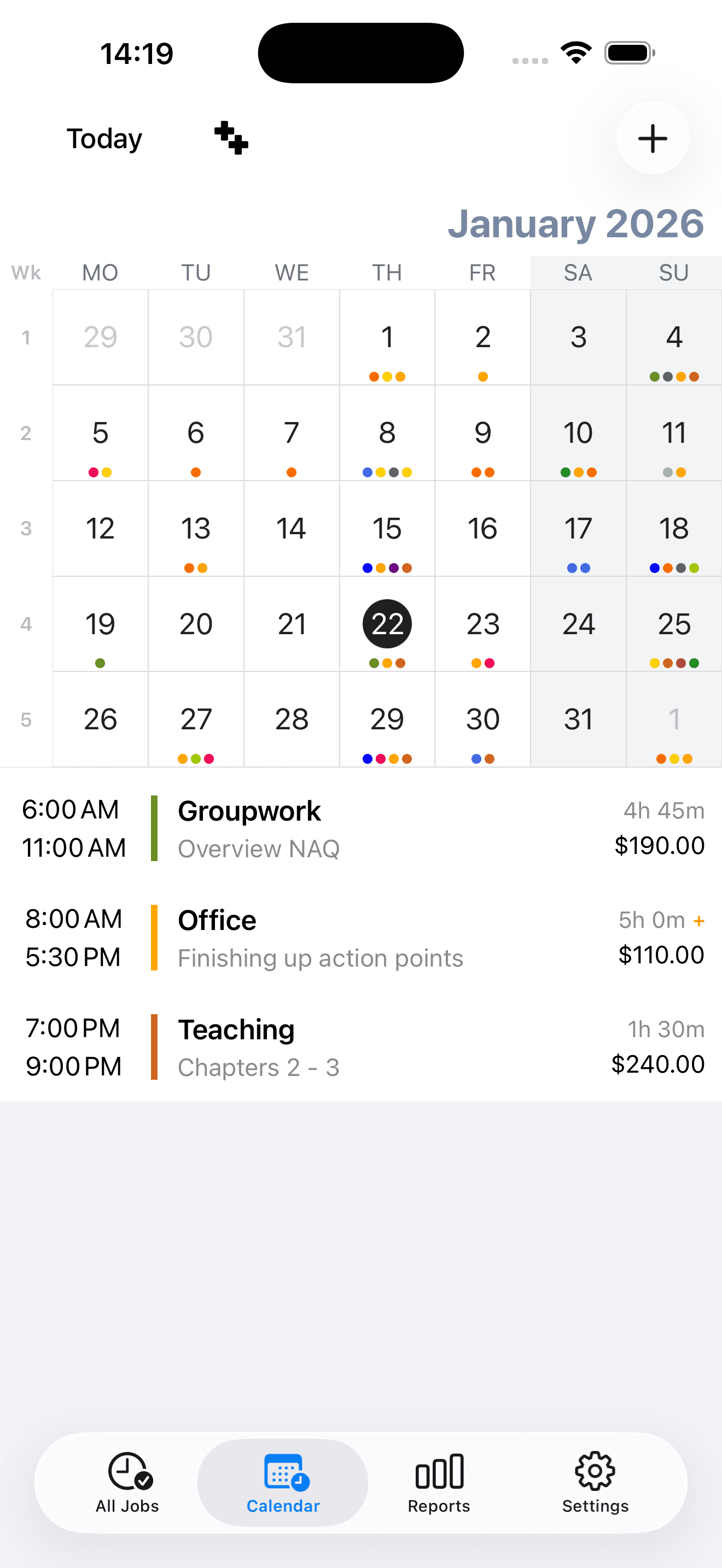
Smart and Efficient Time Tracking
Track hours across multiple jobs with verified accuracy. Professional time tracking, payroll calculation, and income analytics — all from your phone.
- 1
Multiple Jobs & Pay Rates
Manage unlimited jobs with different hourly rates. Track tips, commissions, and extra earnings separately.
- 2
Detailed Reports & Export
Export timesheets via email or CSV. View charts and reports for any period to track your earnings trends.
- 3
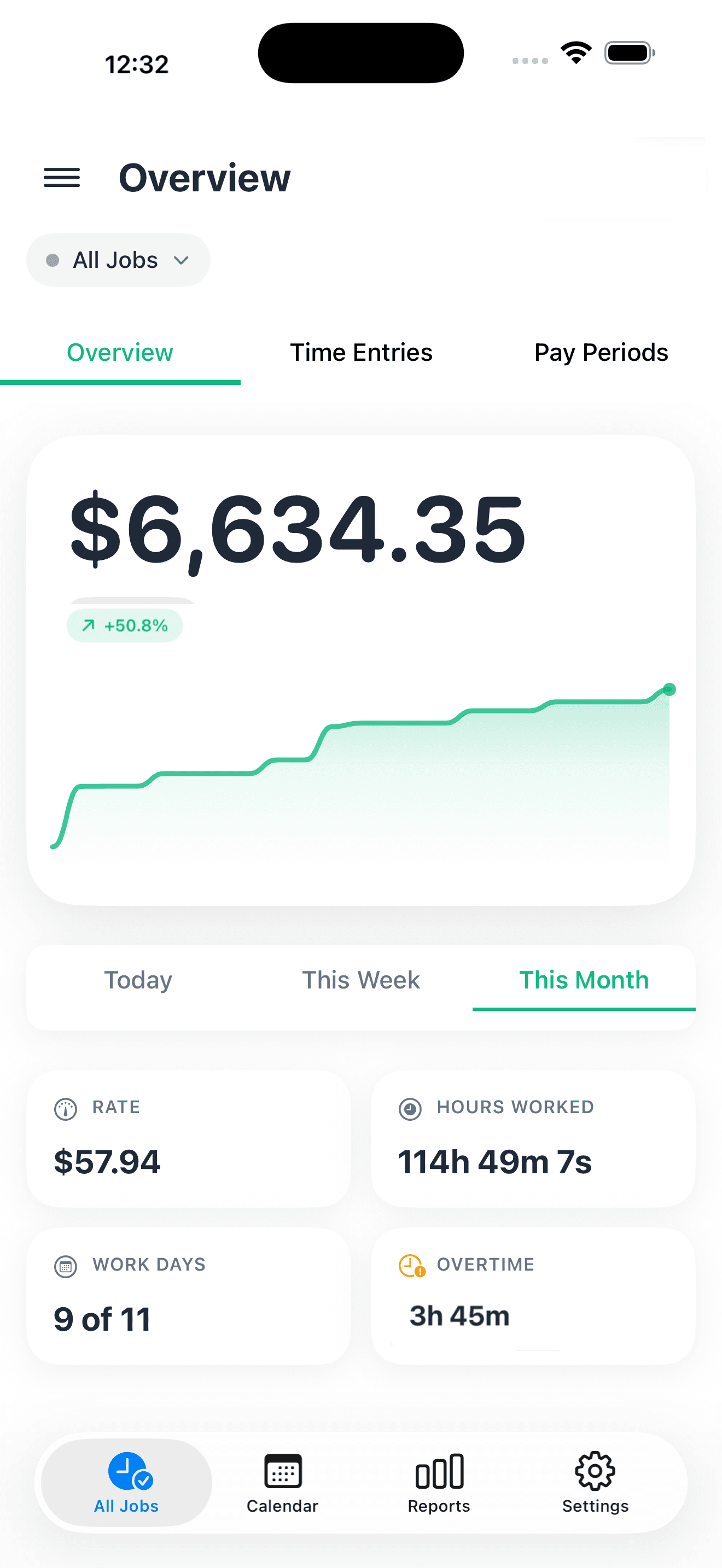
Smart Overtime Calculation
Automatically calculate overtime rates daily or weekly. Set custom rates and thresholds for accurate pay calculations.
Everything You Need to Track Time & Earnings
Easily track hours across multiple jobs for accurate payroll calculations. Track appointments, get reminders.
- 1
Select a Job
Choose from multiple jobs with different pay rates. Each job has personalized settings tailored to fit your work schedule perfectly.
- 2
Track Your Hours
Add time entries quickly and flexibly. Enjoy flexible scheduling with automatic break calculations.
- 3
Get Notified
Get instant updates, live notifications, and helpful reminders — all before your next shift or at your doorstep.
- 4
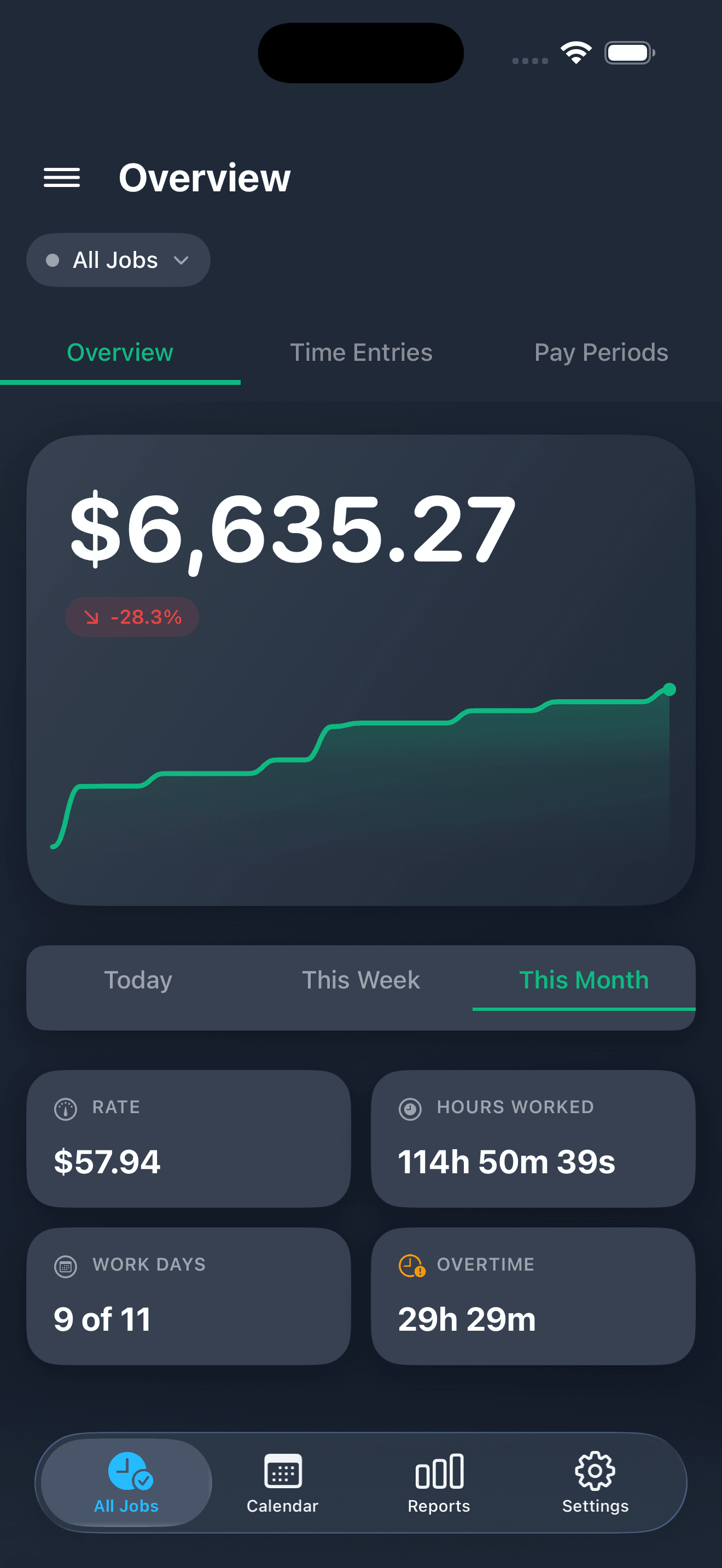
View Earnings & Export
Track earnings in real-time using visual charts. Export timesheets instantly — ensuring a smooth, cashless experience every time you work.
Loved by Professionals Worldwide
See what our users are saying about Salarybook
I've been using it everyday for 8 months to keep track of everything I need for work. From calculating my hours and piecework pay, to tracking my work order numbers and job site notes... it makes keeping everything I need easily accessible and organized. Love it!!!!
As a consultant I have found this to be a very useful tool for tracking my time. I use the report every month to do my billing and the backup is really easy.
I have been using this app to record my working hours as well as sales commission. I do appreciate the quick app updates and the developer has always been quick to fix issues.
Love the color coat option, extremely user friendly! All the other apps are too busy/confusing. I love how straight forward Salarybook is.
Perfect app for tracking multiple jobs! The interface is clean and intuitive. I especially love the export feature for sending timesheets to my clients.
Start Tracking Time Like a Professional
Join thousands of professionals who have transformed their time tracking and income management with our intuitive app.
Need Help? We're Here For You
Questions about Salarybook? Our support team is ready to help.
Got Questions? We Have Answers
Everything you need to know about Salarybook — the hours tracker, pay tracker, and paycheck calculator for iPhone.
Can I track multiple jobs with different pay rates?
How can I set and view my overtime?
To enable overtime:
- Go to Settings.
- Select your job.
- Turn on Enable Overtime.
- Configure your Pay Rate Multiplier, Applies After threshold, and Overtime Period.
To view your overtime:
- On the Dashboard, select a period (Today/Week/Month) to see your Total Overtime.
- Tap any work entry in the Calendar to see overtime details for that entry.
The app calculates overtime automatically based on your logged hours.
How does the real-time earnings calculation work?
Can I export my timesheets for invoicing?
Does the app work offline?
What about iOS widgets and notifications?
How do I set up an email account to send timesheet overviews?
If you see the message that there is no email account set yet, this means the Mail app on your iPhone does not have any account linked to it.
To set up your email account:
- Open Settings on your iPhone.
- Scroll down and tap Mail.
- Tap Accounts.
- Tap Add Account.
- Select your email provider (e.g., Outlook for Hotmail, Gmail, iCloud).
- Enter your email address and password, then follow the on-screen instructions.
Apple provides a detailed guide here: https://support.apple.com/en-us/HT201320
Or you can watch this video that guides you through each step: https://www.youtube.com/watch?v=ZzEylGqH8Rs
Once your account is added, you can return to the app and try sending your overview again.
How do I change the currency in the app?
The currency displayed in the app is determined by your device's regional settings.
To change the currency:
- Open Settings on your iPhone.
- Go to General.
- Tap Language & Region.
- Select Region and choose the country/region for which you want the currency to be displayed in the app.
Once you change your region, the app will automatically display amounts in the currency associated with that region. For example, selecting United States will display USD ($), selecting United Kingdom will display GBP (£), and selecting European countries will display EUR (€).